Maximizing Your Console’s Lifespan: 7 Essential Maintenance Tips for 2026 Gamers to Save 30% on Repairs
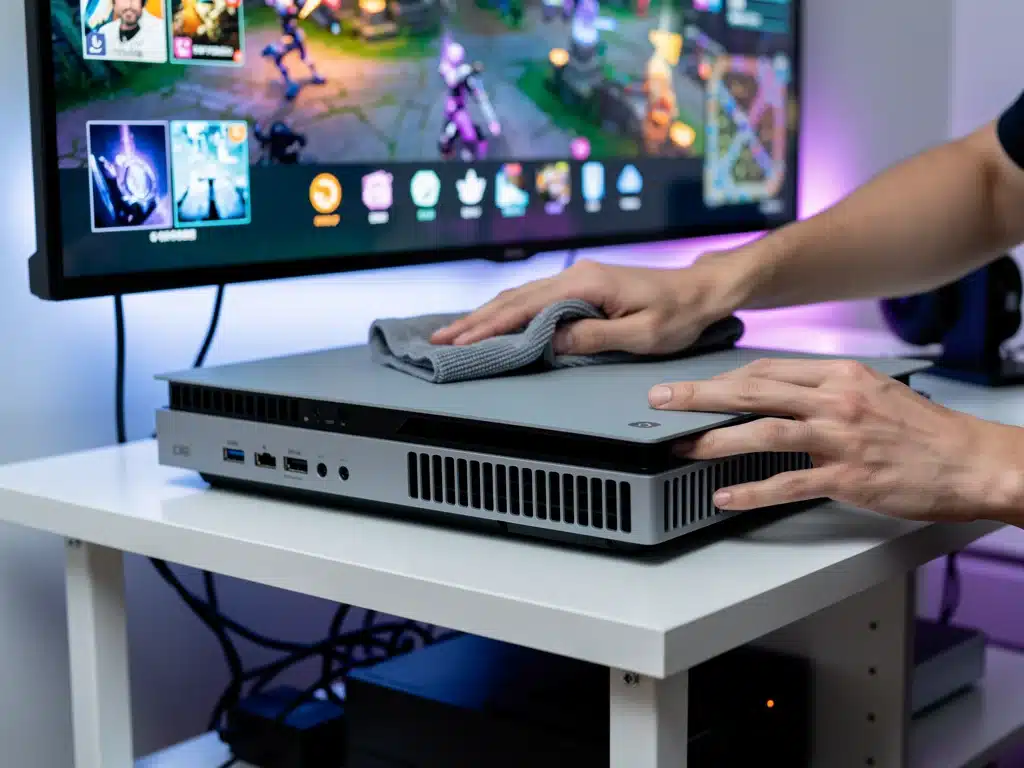
Nothing ruins a great gaming session faster than a sudden hardware failure or a loud, overheating fan. If you want to maximize Console Lifespan, taking proactive care of your gaming rig is the ultimate way to protect your investment and avoid steep repair bills.
As modern systems push the limits of performance, keeping your hardware running cool and clean is absolutely vital. A few simple adjustments to your setup can easily prevent fatal glitches and ensure your machine delivers peak frame rates.
Ready to save cash and guarantee your device survives the next generation of gaming? Let’s dive into seven hardware-saving strategies that will keep your system running like new.
Understanding Console Vulnerabilities: Why Maintenance Matters
Modern gaming consoles are sophisticated machines, packed with high-performance components that generate considerable heat. Proper ventilation and internal cleanliness are not just recommendations; they are critical for preventing component degradation and system failures.
Dust accumulation, inadequate airflow, and poor environmental conditions are primary culprits behind many console malfunctions. Addressing these factors proactively is key to maximize Console Lifespan.
Understanding these vulnerabilities allows gamers to adopt preventative measures, turning potential problems into manageable routines. This approach directly translates into a more reliable gaming setup and fewer unexpected repair bills.
The Silent Threat of Dust Accumulation
Dust is arguably the biggest enemy of any electronic device, and gaming consoles are no exception. Over time, dust and debris can clog internal fans and heatsinks, severely impeding the console’s ability to dissipate heat.
This increased internal temperature can lead to component overheating, performance throttling, and ultimately, hardware failure. Regular cleaning is a simple yet profoundly effective step in maximize Console Lifespan.
- Use compressed air for vents
- Clean exterior surfaces with a microfiber cloth
- Avoid vacuum cleaners near console openings
Optimal Console Placement and Airflow
The physical location of your console plays a significant role in its thermal management. Placing it in an enclosed cabinet or directly against a wall can restrict airflow, causing heat to build up rapidly.
Ensuring adequate space around the console, particularly its ventilation ports, is essential for efficient cooling. This simple adjustment can dramatically reduce thermal stress on internal components, contributing to maximize Console Lifespan.
Regular Cleaning Regimen: Your First Line of Defense
Establishing a consistent cleaning schedule is fundamental to preventing the most common console issues. This doesn’t require extensive technical knowledge, just a commitment to routine care that pays dividends in longevity.
A few minutes each week or month can save you hours of troubleshooting and hundreds of dollars in repair costs. This regular regimen directly supports maximize Console Lifespan.
The ease of these tasks often surprises new console owners, who might overlook the simplicity of preventative care. Yet, these small actions contribute significantly to the overall health and performance of your gaming system.
External Cleaning Best Practices
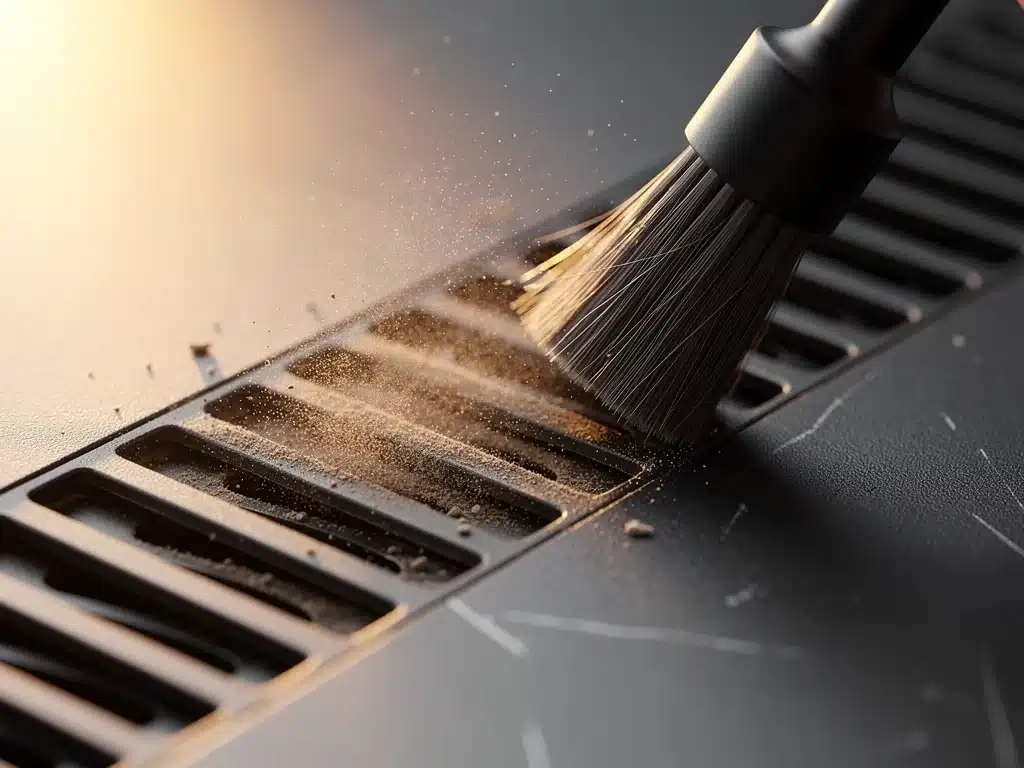
Start with the exterior. A soft, dry microfiber cloth is ideal for wiping down the console’s surfaces, removing fingerprints, and preventing dust from settling. For stubborn grime, a slightly damp cloth (ensure it’s not dripping wet) can be used, followed by a dry wipe.
Pay special attention to crevices and seams where dust tends to accumulate, using a soft brush or cotton swab for precision. This routine contributes significantly to maximize Console Lifespan.
Remember to power down and unplug your console before any cleaning to ensure safety and prevent accidental inputs. This ensures both your safety and the console’s protection during the cleaning process.
Ventilation Port Maintenance with Compressed Air
The most critical aspect of external cleaning involves the ventilation ports. These are the console’s lungs, and they must remain clear for proper airflow. Compressed air is your best tool here.
Use short, controlled bursts of compressed air, holding the can upright to prevent propellant discharge. Direct the air into the vents to dislodge dust, preferably in a well-ventilated area, or even outdoors, to avoid recirculating the dust indoors.
- Use short bursts of compressed air
- Hold the can upright to prevent liquid discharge
- Clean in a well-ventilated area or outdoors
Power Management and Surge Protection
Fluctuations in electrical current can be detrimental to delicate console electronics. Investing in proper power management solutions is a small price to pay for significant protection against potential damage and data loss.
Surge protectors and uninterruptible power supplies (UPS) offer critical safeguards against unexpected power events. These devices are essential components in maximize Console Lifespan.
Neglecting power protection can expose your console to risks that are entirely preventable, leading to component failure or even irreparable damage. Secure power is secure gaming.
The Indispensable Surge Protector
A high-quality surge protector is a non-negotiable accessory for any gaming setup. It acts as a buffer, diverting excess voltage away from your console during power surges caused by lightning strikes or grid fluctuations.
Ensure your surge protector is rated for electronics and has a joule rating appropriate for protecting sensitive equipment. This simple device is a cornerstone of maximize Console Lifespan.
Regularly check the indicator light on your surge protector; most have a light that signals when the protection circuit is active or if it needs replacement. An expired surge protector offers no defense.
Considering an Uninterruptible Power Supply (UPS)
For ultimate protection, especially in areas prone to frequent power outages or brownouts, a UPS is a worthwhile investment. A UPS provides battery backup power, allowing you to properly shut down your console during an outage, preventing data corruption and hardware stress.
Beyond protection, a UPS also offers stable power delivery, smoothing out minor voltage inconsistencies that can still impact electronics over time. This advanced safeguard is crucial for maximize Console Lifespan.
Software Updates and Digital Hygiene
While often overlooked in physical maintenance discussions, keeping your console’s software up-to-date is equally vital for its longevity and performance. Software issues can sometimes mimic hardware problems, leading to unnecessary concern.
Regularly updating your console’s firmware and game software ensures optimal performance, security, and compatibility. This digital hygiene is a key aspect of maximize Console Lifespan.
Outdated software can lead to system instability, crashes, and poor game performance, all of which put undue stress on your console’s hardware. Staying current is a simple, effective preventative measure.
Firmware and System Software Updates
Console manufacturers frequently release system software updates to improve stability, add features, and patch security vulnerabilities. These updates are designed to enhance the overall user experience and protect the hardware.
Always install these updates when prompted, or manually check for them regularly. Ignoring them can lead to compatibility issues with newer games and applications, potentially stressing your system.
- Enable automatic updates for convenience
- Manually check for updates periodically
- Ensure stable internet connection during updates
Managing Storage and Digital Clutter
While not directly damaging hardware, excessive digital clutter and nearly full storage drives can impact console performance. Slow loading times, game crashes, and system sluggishness can result from an overburdened storage system.
Regularly review your installed games and applications, uninstalling those you no longer play to free up space. Consider external storage solutions for larger game libraries, which can also improve loading times for some titles. This practice aids in maximize Console Lifespan.
Disc Drive Care and Handling Physical Media
For consoles equipped with disc drives, proper care of both the drive and physical media is crucial. Scratched discs or a dirty disc drive can lead to read errors, excessive noise, and eventual hardware failure.
Treating your physical game collection with respect directly contributes to the longevity of your console’s disc reader. This often-overlooked aspect is vital for maximize Console Lifespan.
A damaged disc can force the drive to work harder, putting strain on its delicate mechanisms and accelerating wear and tear. A little caution goes a long way in preserving this component.
Handling Game Discs with Care
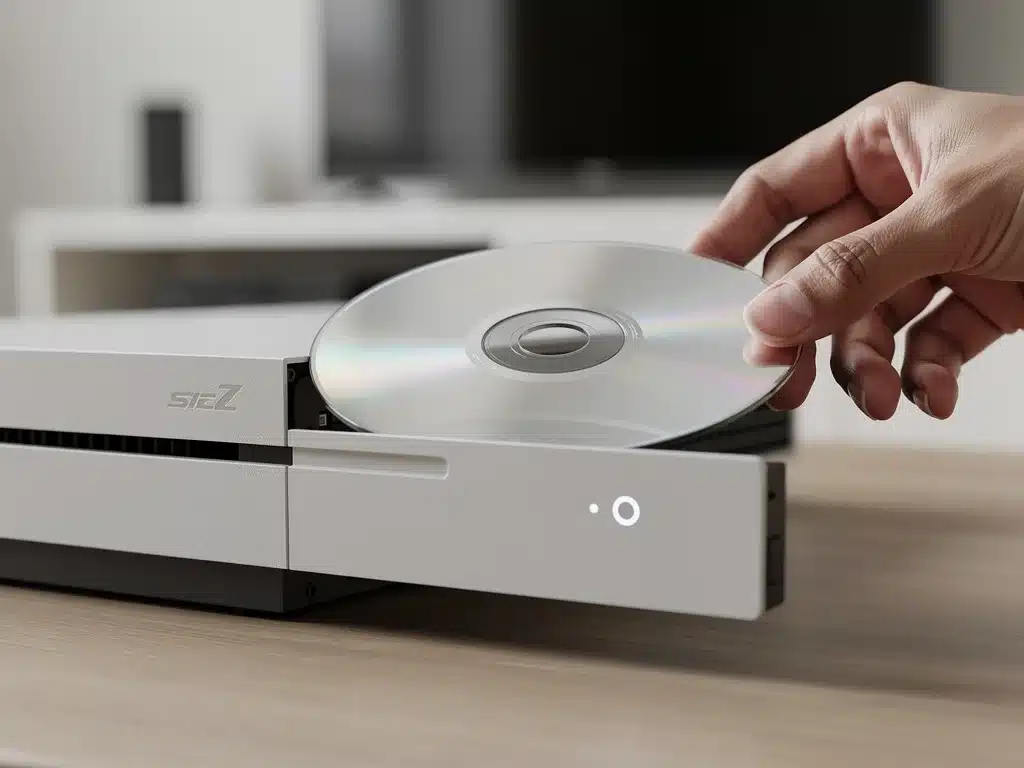
Always hold game discs by their edges, avoiding touching the read surface. Store discs in their original cases when not in use to protect them from dust, scratches, and direct sunlight.
If a disc is dirty, clean it gently with a soft, lint-free cloth, wiping from the center outwards. Never use abrasive materials or circular motions, as these can cause further damage to the disc surface.
- Hold discs by the edges only
- Store discs in their cases
- Clean gently with a soft, lint-free cloth
Disc Drive Cleaning Solutions (Use with Caution)
While external cleaning is safer, internal disc drive cleaning kits exist. These typically involve a special disc with brushes that clean the laser lens. However, use these with extreme caution and only if you suspect a problem, as improper use can cause damage.
It’s often better to prevent disc drive issues through careful disc handling rather than resorting to internal cleaning. If persistent read errors occur, professional service might be a safer option than DIY internal cleaning for maximize Console Lifespan.
Controller Care and Peripheral Maintenance
While not part of the console itself, controllers and other peripherals are integral to the gaming experience and often suffer the most wear and tear. Maintaining them properly ensures a consistent and enjoyable interaction with your console.
Sticky buttons, drifting joysticks, and frayed cables can significantly detract from gameplay and signal neglect. Proper peripheral care extends their life and supports maximize Console Lifespan indirectly.
A well-maintained controller enhances responsiveness and longevity, preventing the need for frequent and expensive replacements. This attention to detail extends to all aspects of your gaming setup.
Cleaning and Storing Controllers
Regularly wipe down your controllers with a slightly damp microfiber cloth to remove grime, sweat, and oils. For hard-to-reach areas around buttons and joysticks, use cotton swabs dampened with isopropyl alcohol.
Store controllers in a clean, dry place, away from direct sunlight or extreme temperatures. Avoid leaving them on the floor where they can be stepped on or accumulate dust, which is crucial for maximize Console Lifespan.
Cable Management and Connection Integrity
Poor cable management can lead to tangled, frayed, or damaged cables, which can affect connectivity and even pose a safety hazard. Use cable ties or sleeves to keep wires organized and prevent them from being crimped or bent sharply.
Ensure all cables are securely plugged into their respective ports without excessive force. Regularly check connections for any signs of wear or corrosion, replacing damaged cables promptly to maintain signal integrity and power delivery.
Environmental Considerations for Console Longevity
The environment in which your console operates significantly influences its performance and lifespan. Temperature, humidity, and even the presence of pets can impact internal components and overall system health.
Creating an ideal operating environment is an often-underestimated factor in maximize Console Lifespan. A stable and clean environment reduces stress on the hardware.
Small adjustments to your gaming space can yield substantial benefits in terms of console reliability and reduced maintenance needs. Consider these factors actively to extend your console’s life.
Temperature and Humidity Control
Consoles perform best within a moderate temperature range. Avoid placing your console near heat sources like radiators or in direct sunlight, as excessive heat can accelerate component wear. Similarly, extreme cold can also stress components.
High humidity can lead to condensation and corrosion of internal electronics, while very low humidity can increase static electricity risks. Maintaining a stable room temperature and moderate humidity levels is ideal for maximize Console Lifespan.
Pet Hair and Smoke Prevention
For pet owners, animal hair can be a significant contributor to dust accumulation inside consoles, clogging vents and fans. Regular grooming of pets and frequent cleaning of the gaming area can mitigate this issue.
Smoking near your console is even more detrimental. Tar and nicotine residue can coat internal components, leading to sticky fans, reduced cooling efficiency, and an unpleasant odor. Avoiding smoke near electronics is paramount for their health.
Advanced Maintenance: When to Seek Professional Help
While many maintenance tasks are DIY-friendly, some issues require professional intervention. Knowing when to stop and seek expert help can prevent further damage and ensure effective repairs.
Attempting complex internal repairs without proper tools or expertise can void warranties and cause irreversible harm. This discernment is part of maximize Console Lifespan.
Recognizing the limits of your own technical skills is a responsible approach to console care, safeguarding your investment from accidental damage. Professional technicians possess the knowledge and equipment for intricate fixes.
Recognizing Serious Hardware Issues
If your console exhibits persistent problems like frequent crashes, unusual noises, graphic artifacts, or overheating despite external cleaning, it might indicate a deeper hardware issue. These symptoms often point to problems with the internal cooling system, APU, or memory.
Do not attempt to open your console if you are unsure of the procedure, as this can lead to further damage or void your warranty. Professional diagnosis is the safest course of action for complex problems.
- Persistent crashes or freezing
- Unusual grinding or loud fan noises
- Graphic glitches or visual artifacts
The Value of Professional Cleaning and Repair
Professional console cleaning involves disassembling the device to thoroughly clean internal components, replace thermal paste (if necessary), and inspect for early signs of wear.
This can significantly extend the life of an older console that has accumulated years of internal dust.
For repairs, certified technicians have access to specialized tools and genuine replacement parts, ensuring the repair is done correctly and efficiently.
Investing in professional service can be more cost-effective than repeatedly replacing faulty consoles, embodying the spirit of maximize Console Lifespan.
| Key Maintenance Tip | Benefit for Gamers |
|---|---|
| Regular Dust Cleaning | Prevents overheating, boosts performance, extends hardware life. |
| Optimal Console Placement | Ensures proper airflow, reduces thermal stress on components. |
| Surge Protection | Safeguards against electrical damage, protecting sensitive electronics. |
| Software Updates | Enhances stability, fixes bugs, improves compatibility and security. |
Frequently Asked Questions About Console Maintenance
It is recommended to clean your console’s external vents with compressed air monthly, or more frequently if you live in a dusty environment or have pets. This routine prevents dust buildup, which is crucial for maximize Console Lifespan.
No, using a regular vacuum cleaner is not recommended. The strong suction can generate static electricity, potentially damaging internal components. Stick to compressed air for vents and microfiber cloths for surfaces to prevent static buildup and ensure proper care for maximize Console Lifespan.
Opening your console for internal cleaning is generally not recommended unless you have technical expertise, as it can void your warranty and cause damage. For deep cleaning, consider professional services. This ensures safe and effective maintenance, contributing to maximize Console Lifespan.
A surge protector is highly important. It safeguards your console from sudden voltage spikes that can severely damage sensitive electronics, preventing costly repairs or replacement. This simple device is a vital investment for maximize Console Lifespan.
Yes, absolutely. Poor airflow leads to overheating, which stresses internal components like the CPU and GPU, accelerating their degradation. Maintaining clear vents and proper console placement is crucial for thermal management and directly impacts maximize Console Lifespan.
Looking Ahead: The Future of Console Care
The consistent application of these maintenance tips not only extends the operational life of your console but also protects your gaming investment. Proactive care translates directly into fewer unexpected breakdowns and significant savings on repairs.
As gaming technology evolves, so too will the nuances of console maintenance, but the core principles of cleanliness, proper environment, and power protection will remain constant. Staying informed and diligent is key to a seamless gaming future.
By prioritizing maximize Console Lifespan, players ensure their devices remain reliable companions for years to come. This commitment supports both personal enjoyment and financial prudence in the ever-advancing world of console gaming.
