Avoiding Common PC Gaming Bottlenecks in 2026: A US Troubleshooting Guide for Optimal Performance
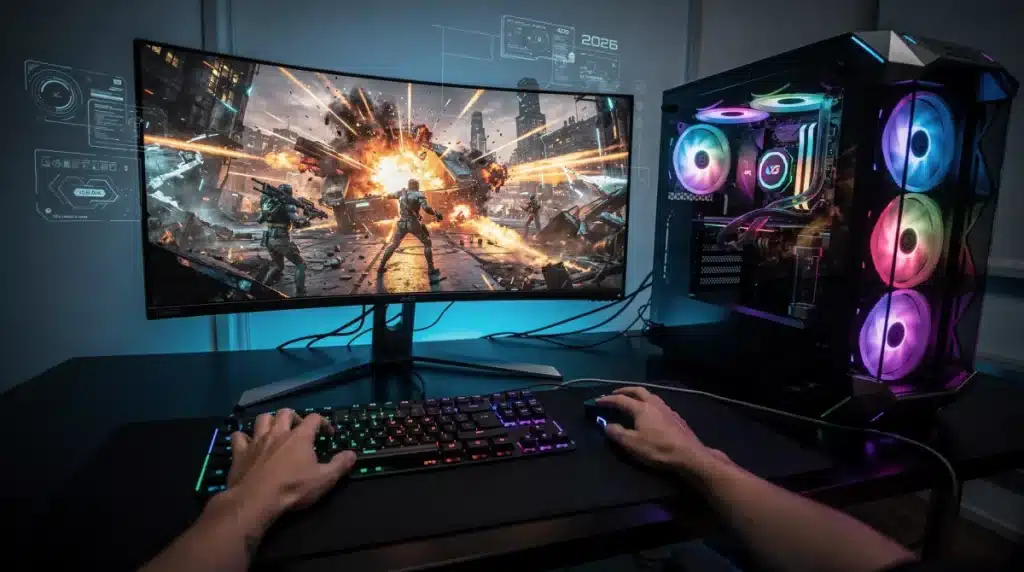
Upgraded your graphics card recently only to watch frame rates stutter in demanding 2026 titles? Identifying and eliminating PC Gaming Bottlenecks ensures every component in your rig runs at peak efficiency without leaving paid performance on the table.
When an aging processor, slow DDR5 memory, or thermal throttling holds back a modern GPU, your system suffers from inconsistent frame times and input lag.
Diagnosing these hardware mismatches early saves hundreds of dollars on unnecessary upgrades while restoring smooth 1440p and 4K gameplay.
Whether you are troubleshooting sudden FPS drops or planning a smart component swap, pinpointing the exact constraint in your build is simpler than you think. Here is how to run diagnostic benchmarks and resolve the most common performance limits on your desktop.
Understanding PC Gaming Bottlenecks in 2026
As we approach 2026, the landscape of PC gaming continues to evolve rapidly, bringing with it new challenges for maintaining optimal performance. Understanding what constitutes a bottleneck in this environment is crucial for any serious gamer.
A bottleneck occurs when one component in your PC limits the performance of others, preventing your system from reaching its full potential. This often manifests as lower frame rates, stuttering, or inconsistent gameplay, despite having high-end components.
Identifying and addressing these choke points is paramount for ensuring a smooth and immersive gaming experience, especially with the increasing demands of next-generation titles and virtual reality applications.
Common Bottleneck Culprits: CPU, GPU, and RAM
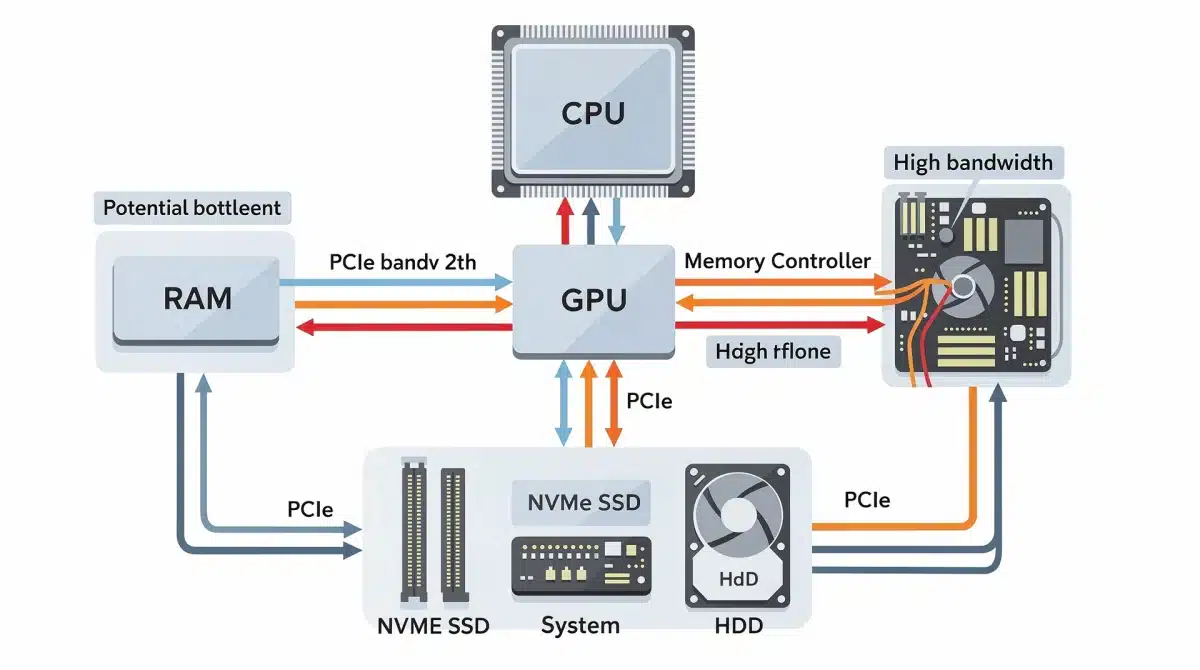
The primary suspects in most PC gaming bottlenecks typically involve the CPU, GPU, and RAM. These three components form the core of your gaming rig, and an imbalance among them can severely hinder performance.
In 2026, with games becoming more CPU-intensive due to complex AI and physics, an older or underpowered CPU can easily become the limiting factor for even the most powerful GPUs.
Conversely, a high-end CPU paired with a mid-range GPU might see the graphics card struggling to keep up, leading to a GPU bottleneck.
RAM, while often overlooked, plays a critical role in data transfer and game loading times. Insufficient or slow RAM can cause micro-stutters and longer load screens, impacting overall responsiveness and enjoyment.
CPU Bottlenecks and Their Impact
- Stuttering Gameplay: An overwhelmed CPU struggles to process game logic, leading to inconsistent frame delivery.
- Low Frame Rates: Even with a powerful GPU, if the CPU cannot feed it data fast enough, frame rates will suffer.
- High CPU Usage: Monitoring tools show CPU consistently at or near 100% while the GPU is underutilized.
GPU Bottlenecks and Resolution
- Lower Frame Rates at High Settings: The GPU cannot render frames quickly enough, especially at higher resolutions or graphic settings.
- Maxed-Out GPU Usage: Monitoring tools show GPU at 99-100% usage, while the CPU might be underutilized.
- Visual Artifacts: In extreme cases, an overburdened GPU might produce graphical glitches.
Properly balancing these components is essential for Avoiding Common PC Gaming Bottlenecks in 2026.
Storage Solutions and Bottleneck Prevention
While often overshadowed by CPU and GPU, your storage solution can be a significant source of PC gaming bottlenecks. Slow loading times, texture pop-in, and overall system sluggishness can often be traced back to outdated storage.
In 2026, the shift towards larger game files and more detailed assets makes NVMe SSDs almost a mandatory component for serious gamers. Traditional HDDs simply cannot keep pace with the data transfer rates required by modern titles, creating a noticeable performance gap.
Even SATA SSDs, while faster than HDDs, may not offer the bandwidth needed for the most demanding games.
Upgrading to a PCIe Gen4 or Gen5 NVMe drive can drastically reduce load times and improve overall system responsiveness, directly contributing to Avoiding Common PC Gaming Bott Gaming Bottlenecks in 2026.
NVMe SSDs: The Modern Standard
- Reduced Loading Times: Games load significantly faster, minimizing waiting.
- Smoother Texture Streaming: Eliminates texture pop-in issues, enhancing visual fidelity.
- Improved System Responsiveness: Overall OS and application performance benefits from faster storage.
Network Latency and Online Gaming Bottlenecks
For online multiplayer enthusiasts, network latency represents a critical bottleneck often overlooked in hardware discussions. Even with a top-tier PC, a poor internet connection can completely ruin the gaming experience.
High ping, packet loss, and unstable connections lead to lag, desynchronization, and frustration, making competitive gaming almost impossible. In 2026, with the rise of cloud gaming and more interconnected experiences, a robust and stable internet connection is more vital than ever.
Optimizing your network setup, including using wired connections, ensuring proper router configuration, and choosing a reliable ISP, is as important as hardware upgrades for Avoiding Common PC Gaming Bottlenecks in 2026.
Optimizing Your Network for Gaming
- Wired Connection: Ethernet cables offer lower latency and more stable connections than Wi-Fi.
- Router Placement: Position your router centrally and away from obstructions for better signal strength.
- QoS Settings: Prioritize gaming traffic on your router’s Quality of Service (QoS) settings.
Software Optimization and Driver Updates
Hardware is only half the battle; software optimization and up-to-date drivers are equally crucial for Avoiding Common PC Gaming Bottlenecks in 2026. Outdated drivers can lead to compatibility issues, reduced performance, and system instability.
Manufacturers like NVIDIA, AMD, and Intel regularly release driver updates that include performance optimizations for new games and bug fixes. Neglecting these updates is a common mistake that can easily create artificial bottlenecks.
Beyond drivers, proper operating system settings, game-specific optimizations, and background application management can significantly impact performance. Regularly auditing your software environment ensures your system is running as efficiently as possible.
Key Software Optimization Practices
- Regular Driver Updates: Always install the latest GPU, chipset, and audio drivers.
- Operating System Optimization: Disable unnecessary background apps and services.
- Game-Specific Settings: Adjust in-game graphics settings to match your hardware capabilities.
Power Supply and Cooling: The Unsung Heroes
The power supply unit (PSU) and cooling system are often overlooked until a problem arises, yet they are fundamental to Avoiding Common PC Gaming Bottlenecks in 2026. An insufficient PSU can lead to system instability, crashes, and component underperformance, especially under heavy load.
Modern high-end GPUs and CPUs demand substantial power, and a PSU that cannot deliver consistent, clean power can cause throttling or even damage.
Similarly, inadequate cooling allows components to overheat, triggering thermal throttling which drastically reduces performance to prevent damage.
Investing in a high-quality, appropriately-rated PSU and an effective cooling solution (whether air or liquid) ensures your components can operate at their peak clock speeds without being limited by power delivery or heat buildup.
Ensuring Adequate Power and Cooling
- PSU Wattage: Ensure your PSU provides enough wattage for all components, with some headroom.
- Cooling Solutions: Upgrade CPU coolers and case fans to manage heat effectively.
- Cable Management: Proper cable routing improves airflow within the PC case.
Monitoring and Diagnostics: Proactive Bottleneck Management
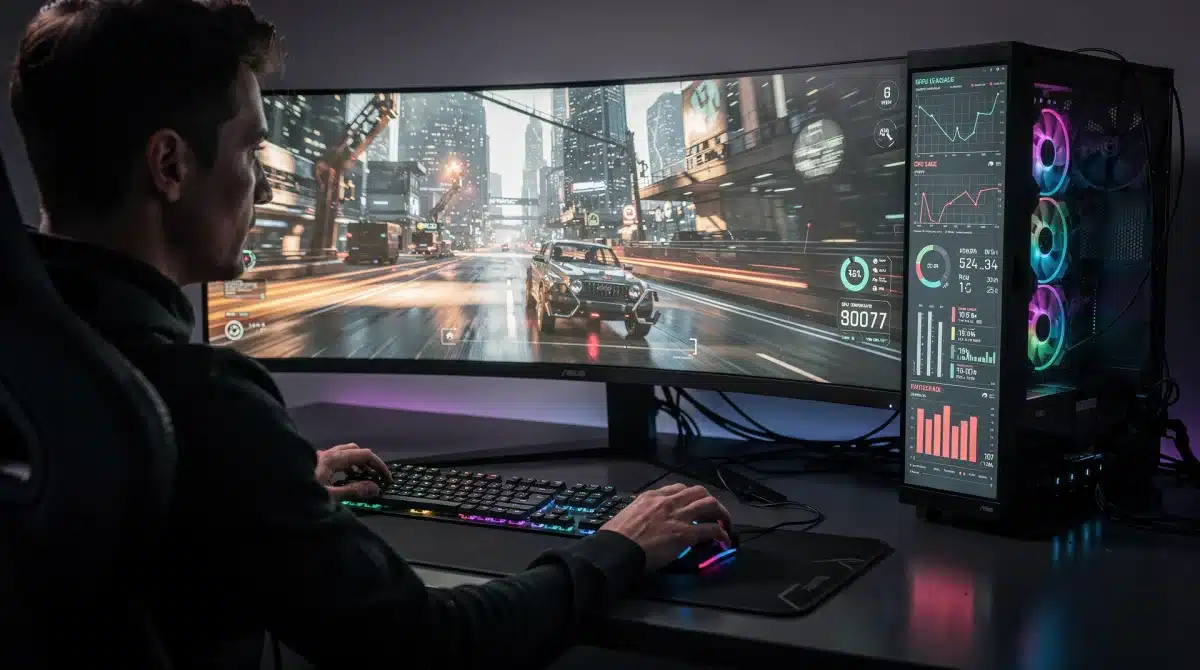
Proactive monitoring is key to Avoiding Common PC Gaming Bottlenecks in 2026. Understanding how your system components are performing in real-time allows you to identify potential bottlenecks before they severely impact your gaming experience.
Tools like MSI Afterburner, HWMonitor, and Task Manager provide valuable insights into CPU and GPU utilization, temperatures, RAM usage, and frame rates. By observing these metrics during gameplay, you can pinpoint which component is hitting its limits.
Regular diagnostic checks can also uncover underlying hardware issues or software conflicts that might be contributing to performance problems. This data-driven approach empowers gamers to make informed decisions about upgrades or optimizations.
Essential Monitoring Tools
- MSI Afterburner: Comprehensive GPU monitoring, overclocking, and custom fan profiles.
- HWMonitor: Displays real-time sensor readings for CPU, GPU, and other components.
- Task Manager: Quick overview of CPU, RAM, Disk, and Network usage.
Future-Proofing Your Rig Against 2026 Bottlenecks
As technology continues its rapid advancement, future-proofing your PC gaming rig becomes a strategic consideration for Avoiding Common PC Gaming Bottlenecks in 2026. While no system can remain cutting-edge indefinitely, smart upgrade paths can extend its competitive lifespan.
Investing in a robust motherboard that supports future CPU generations and faster RAM speeds is a wise initial step. Similarly, choosing a PSU with ample wattage allows for future GPU upgrades without requiring a complete power overhaul.
Considering modular upgrades, such as easily swappable NVMe drives or additional RAM slots, provides flexibility. Staying informed about upcoming hardware releases and technological trends will also guide your purchasing decisions.
Strategic Upgrade Considerations
- Motherboard Longevity: Choose a platform that offers upgrade paths for future CPUs.
- Modular PSU: Select a power supply with sufficient wattage and modular cabling for future expansions.
- Scalable Storage: Ensure your system has multiple NVMe slots for future storage additions.
| Key Point | Brief Description |
|---|---|
| Component Balance | Ensure CPU, GPU, and RAM are matched to prevent performance limitations. |
| Storage Upgrade | Transition to NVMe SSDs for faster load times and smoother asset streaming. |
| Network Optimization | Prioritize wired connections and stable internet for online gaming. |
| Proactive Monitoring | Utilize diagnostic tools to identify and address bottlenecks in real-time. |
FAQ About PC Gaming Bottlenecks
In 2026, the most common bottleneck often shifts between an underpowered CPU limiting a high-end GPU or vice-versa, depending on the game and resolution. Increasingly, slow storage (HDDs or older SATA SSDs) also presents a significant bottleneck due to larger game sizes and faster asset streaming.
You can identify bottlenecks by monitoring component utilization during gameplay. If your GPU usage is consistently low (e.g., 60%) while your CPU is at 90-100%, you likely have a CPU bottleneck. Conversely, if your GPU is at 99-100% and CPU is lower, it’s a GPU bottleneck. Tools like MSI Afterburner or HWMonitor are excellent for this.
Yes, RAM speed significantly affects PC gaming performance, especially with modern CPUs that benefit from faster memory. Slow RAM can create a bottleneck by failing to feed data to the CPU quickly enough, leading to lower minimum frame rates and overall system sluggishness. Dual-channel RAM configurations are also crucial for optimal performance.
Absolutely. For online gaming, a stable, low-latency internet connection is paramount. High ping or packet loss creates a network bottleneck, leading to lag and a poor gameplay experience, regardless of your hardware. A wired Ethernet connection is always recommended over Wi-Fi for competitive gaming.
It is advisable to check for driver updates for your GPU, chipset, and other critical components regularly, ideally once a month or whenever a new major game title is released. Driver updates often include performance optimizations and bug fixes that can directly help in **Avoiding Common PC Gaming Bottlenecks in 2026: A US Troubleshooting Guide for Optimal Performance (Practical Solutions)** and improve stability.
Looking Ahead
The journey of Avoiding Common PC Gaming Bottlenecks in 2026 is ongoing, requiring continuous attention to hardware balance, software optimization, and proactive monitoring.
As gaming technology advances, new challenges will emerge, but a solid understanding of these principles will equip gamers to maintain peak performance.
Keep an eye on evolving hardware standards and game requirements to ensure your rig remains a formidable gaming machine, ready for whatever 2026 and beyond throws its way.
