Top 5 PC Gaming Monitor Upgrades for 2026: 144Hz & Beyond
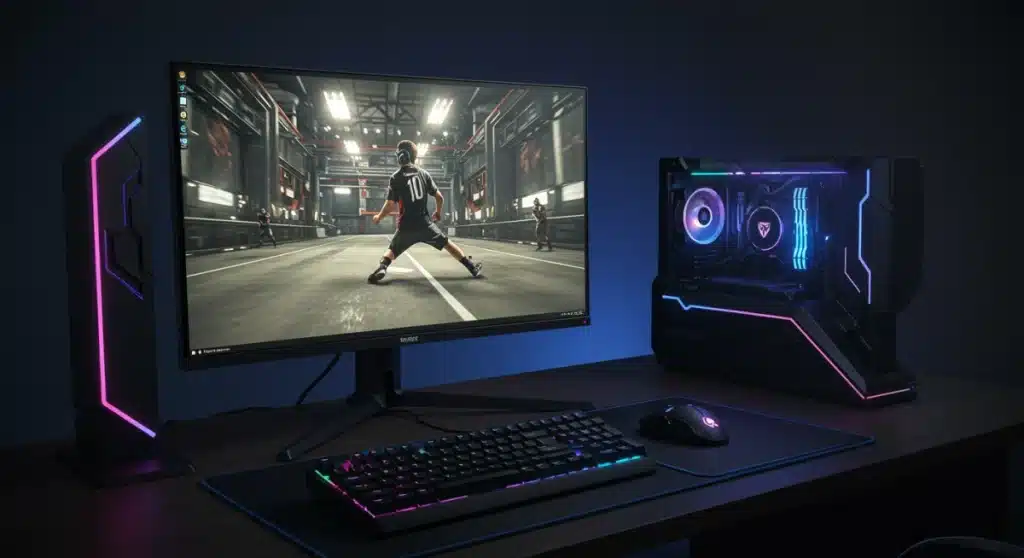
The world of high-end hardware moves fast, and choosing the right PC Gaming Monitor Upgrades in 2026 is now the ultimate move for any serious setup. Whether you’re chasing pixel perfection or raw speed, the latest displays are redefining what “immersive” actually means.
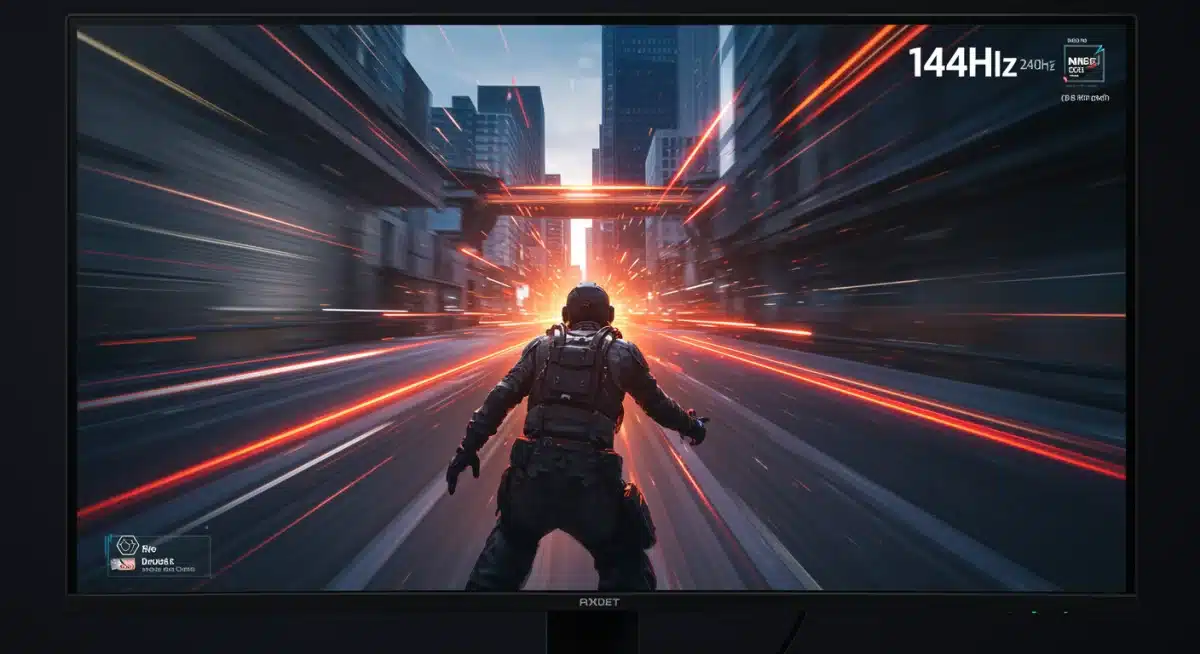
Settling for standard refresh rates is a thing of the past as the industry pushes toward 144Hz and staggering new heights. These cutting-edge panels eliminate motion blur, ensuring your visual fluidity matches your lightning-fast reflexes during intense competitive matches.
Upgrading your desktop display is no longer just about aesthetics; it’s a vital performance leap for esports enthusiasts. We’ve analyzed the top-tier screens hitting the market to help you secure a crystal-clear advantage in every frame.
The Imperative of High Refresh Rates for Competitive Play
High refresh rates are no longer a luxury but a fundamental requirement for competitive PC gaming. Monitors capable of 144Hz and above provide a tangible advantage by displaying more frames per second, leading to smoother motion and reduced input lag.
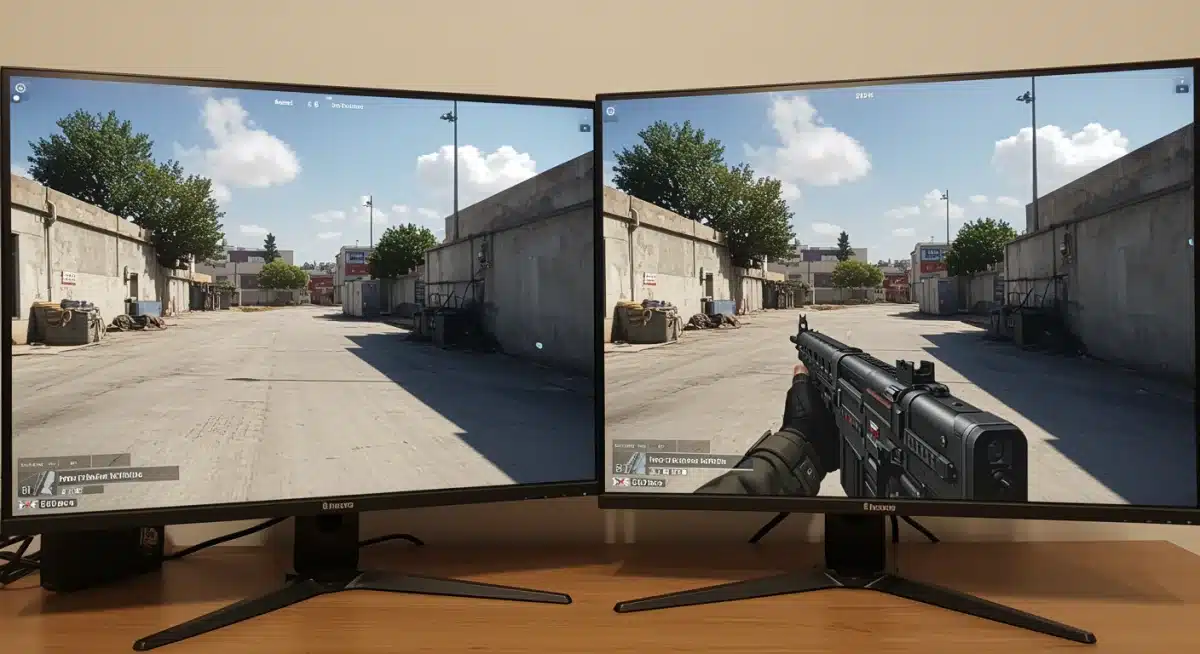
This increased visual information allows players to react faster to in-game events, track opponents more effectively, and execute precise movements. The difference between a 60Hz and a 144Hz monitor is immediately noticeable and directly impacts performance in fast-paced titles.
As esports continues its explosive growth, the demand for displays that can keep pace with professional-level gameplay will only intensify. Future PC Gaming Monitor Upgrades will push these boundaries even further.
Beyond 144Hz: The Rise of 240Hz and 360Hz Displays
While 144Hz has become the baseline, the market is rapidly moving towards even higher refresh rates, with 240Hz and 360Hz monitors becoming increasingly accessible. These ultra-high refresh rates offer an even greater degree of visual clarity during rapid motion.
For professional esports athletes and highly competitive players, the fractional advantage gained from these monitors can be decisive.
The ability to see enemy movements and react milliseconds faster translates directly into a higher win rate and improved in-game performance.
Investing in such a monitor is a strategic decision for those committed to maximizing their competitive potential. These displays represent a significant leap in PC Gaming Monitor Upgrades for 2026.
The Technological Leap to Ultra-High Refresh Rates
Achieving 240Hz and 360Hz requires not only advanced panel technology but also robust display interfaces like DisplayPort 1.4 or HDMI 2.1. Graphics cards must also be powerful enough to consistently render frames at these incredibly high rates.
Manufacturers are innovating rapidly to minimize motion blur and ghosting at these extreme refresh rates, employing technologies like NVIDIA’s G-SYNC and AMD’s FreeSync.
These adaptive sync solutions ensure that the monitor’s refresh rate perfectly matches the GPU’s output, eliminating screen tearing and stuttering.
- Adaptive Sync: G-SYNC and FreeSync are essential for tear-free gaming.
- Panel Technology: Fast IPS and OLED panels are leading the charge in response times.
- Connectivity: DisplayPort 1.4 and HDMI 2.1 support higher bandwidth for resolutions and refresh rates.
The Impact of Resolution and Panel Type on Gaming Performance
While refresh rate is paramount, resolution and panel type also play critical roles in the overall gaming experience. The choice between 1080p, 1440p, and 4K, coupled with different panel technologies like TN, IPS, and OLED, involves trade-offs.
For competitive gaming, 1080p and 1440p remain the sweet spots, allowing for extremely high frame rates that 4K currently struggles to achieve consistently. However, advancements in GPU technology are making 4K gaming at high refresh rates more viable.
Panel type affects color accuracy, viewing angles, and response times. Each has specific advantages and disadvantages that gamers must consider when making PC Gaming Monitor Upgrades decisions.
Fast IPS Panels: Balancing Speed and Visuals
Fast IPS (In-Plane Switching) panels have become a dominant force in high-performance gaming monitors. They offer excellent color reproduction and wide viewing angles, traditionally IPS strengths, combined with response times that rival older TN (Twisted Nematic) panels.
This blend makes Fast IPS monitors ideal for gamers who want both competitive speed and vibrant, accurate visuals. They represent a strong contender for PC Gaming Monitor Upgrades for those seeking a balanced experience.
- Superior Color Accuracy: Rich and lifelike colors enhance immersion.
- Wide Viewing Angles: Consistent image quality from various perspectives.
- Rapid Response Times: Often 1ms GtG (Gray-to-Gray) for minimal ghosting.
OLED Technology: The New Frontier in Display Excellence
OLED (Organic Light-Emitting Diode) technology is rapidly emerging as the gold standard for premium gaming monitors. OLED panels offer unparalleled black levels, infinite contrast ratios, and near-instantaneous pixel response times, typically 0.03ms GtG.
These characteristics result in an incredibly immersive and responsive gaming experience, eliminating motion blur and ghosting almost entirely.
The visual fidelity of OLED is simply unmatched, making it a top-tier option for discerning gamers and the pinnacle of PC Gaming Monitor Upgrades.
Addressing OLED Burn-in Concerns and Longevity
Early concerns about OLED burn-in are being actively addressed by manufacturers through advanced pixel-shifting technologies, logo dimming, and aggressive warranty policies.
While continuous static UI elements can still pose a risk, for typical gaming sessions, burn-in is becoming less of a significant concern.
The benefits of OLED’s visual performance often outweigh these diminishing risks for many gamers. As production scales, OLED monitors are becoming more affordable, making them a more viable option for future PC Gaming Monitor Upgrades.
Ergonomics and Connectivity: Overlooked but Crucial Aspects
Beyond the core display technology, monitor ergonomics and connectivity options significantly impact the long-term gaming experience. A highly adjustable stand, offering tilt, swivel, pivot, and height adjustments, is vital for maintaining comfort during extended play sessions.
Proper posture can prevent strain and fatigue, directly contributing to sustained competitive performance. Neglecting ergonomics can lead to discomfort, which detracts from focus and enjoyment during intense gaming.
Connectivity options, including multiple DisplayPort and HDMI inputs, USB hubs, and headphone jacks, enhance versatility and convenience. These features are often overlooked but are essential for a complete PC Gaming Monitor Upgrades package.
Optimizing Your Setup for Peak Performance
A well-organized desk and a monitor positioned at the correct height and distance can dramatically improve a gamer’s comfort and reaction times.
Many high-end gaming monitors now come with excellent built-in stands, but VESA mount compatibility offers even greater flexibility.
The presence of a built-in USB hub can simplify cable management and provide convenient access for peripherals like headsets or webcams.
These seemingly minor details contribute to a streamlined and efficient gaming environment, crucial for competitive success with PC Gaming Monitor Upgrades.
The Role of HDR and Color Gamut in Immersion
High Dynamic Range (HDR) and wide color gamut support are becoming increasingly important for immersive gaming experiences. HDR monitors can display a much broader range of brightness and contrast, leading to more realistic and vibrant visuals.
When properly implemented, HDR can transform the visual fidelity of games, making scenes more lifelike and impactful. This is particularly true for single-player, graphically intensive titles where immersion is a key factor.
While not strictly necessary for competitive advantage in the same way refresh rate is, HDR significantly enhances the overall enjoyment of modern games. It’s a growing consideration for comprehensive PC Gaming Monitor Upgrades.
HDR Standards and Certification
Various HDR standards exist, such as DisplayHDR 400, 600, 1000, and True Black. Higher numbers indicate better HDR performance, with DisplayHDR 1000 offering peak brightness and local dimming zones for superior contrast. True Black is specific to OLED, leveraging its perfect black levels.
Gamers should look for monitors with at least DisplayHDR 600 for a noticeable HDR effect, while DisplayHDR 1000 or OLED’s True Black provide the most impactful experience. These certifications guide consumers in discerning true HDR capabilities among PC Gaming Monitor Upgrades.
Future Trends: Mini-LED and Micro-LED Displays
Looking beyond 2026, Mini-LED and Micro-LED technologies are poised to become the next major breakthroughs in display technology.
Mini-LED offers significantly more local dimming zones than traditional LED LCDs, approaching OLED-like contrast ratios without the burn-in risk.
Micro-LED is an even more advanced technology, essentially scaling down LED technology to individual pixels, offering self-emissive properties like OLED but with potentially higher brightness and longer lifespan.
These technologies promise to redefine the visual experience for future PC Gaming Monitor Upgrades.
The Horizon of Display Innovation
While Mini-LED is already present in some high-end monitors, Micro-LED is still primarily in its infancy for consumer-grade displays, often seen in very large, expensive installations.
However, rapid advancements suggest that these could become more accessible in the gaming monitor space in the coming years.
These emerging technologies will push the boundaries of brightness, contrast, and color accuracy even further. Gamers should keep an eye on these developments as they plan their long-term PC Gaming Monitor Upgrades strategy beyond the immediate future.
Making the Right Choice for Your Competitive Edge
Selecting the ideal gaming monitor for 2026 involves a careful balance of refresh rate, resolution, panel type, and budget. For competitive players, prioritizing a minimum of 144Hz, with 240Hz or 360Hz being preferable, is crucial for gaining an advantage.
Fast IPS and OLED panels offer the best blend of speed and visual quality, with OLED leading in overall picture fidelity. Remember to consider ergonomics and comprehensive connectivity options for a truly optimized setup.
By understanding these key factors, players can make informed decisions to ensure their PC Gaming Monitor Upgrades provide the ultimate competitive edge and an immersive gaming experience for years to come.
| Key Upgrade Area | Benefit for Competitive Play |
|---|---|
| High Refresh Rates (144Hz+) | Smoother visuals, faster reaction times, reduced input lag. |
| Fast Response Times (1ms GtG or lower) | Eliminates ghosting and motion blur for sharper images. |
| Adaptive Sync (G-SYNC/FreeSync) | Prevents screen tearing and stuttering for fluid gameplay. |
| OLED/Fast IPS Panels | Superior visual quality, contrast, and color with competitive speed. |
Frequently Asked Questions About Gaming Monitor Upgrades
The most crucial factor is refresh rate, with 144Hz being the minimum recommended, and 240Hz or 360Hz providing a significant competitive edge. This directly impacts how quickly you perceive and react to in-game events, crucial for fast-paced titles and esports.
While 4K offers stunning visual clarity, it is generally less suitable for competitive gaming due to the difficulty of achieving consistently high frame rates. 1080p and 1440p resolutions are preferred as they allow GPUs to push much higher frame rates, essential for competitive play.
OLED monitors offer unparalleled black levels, infinite contrast, and near-instantaneous pixel response times (around 0.03ms GtG). This results in exceptional visual immersion, zero motion blur, and a highly responsive experience, making them a top choice for premium PC Gaming Monitor Upgrades.
Adaptive sync technologies like G-SYNC and FreeSync are highly important. They synchronize the monitor’s refresh rate with the GPU’s frame output, eliminating screen tearing and stuttering. This ensures a smoother, more fluid gaming experience, which is particularly beneficial in competitive scenarios.
Both are critical, but refresh rate often has a more noticeable impact on competitive performance. Aim for a monitor with a high refresh rate (144Hz+) and a low response time (1ms GtG or less). Modern Fast IPS and OLED panels often deliver both effectively, making them excellent PC Gaming Monitor Upgrades.
Looking Ahead: The Evolving Landscape of Gaming Displays
The continuous innovation in display technology signifies a future where gaming visuals become even more indistinguishable from reality, while maintaining the responsiveness essential for competitive play.
The trends identified for PC Gaming Monitor Upgrades in 2026, particularly the push beyond 144Hz and the adoption of OLED, are merely stepping stones.
Consumers should anticipate further advancements in Mini-LED and Micro-LED technologies, which promise to deliver even greater visual fidelity and performance.
These developments will ensure that the pursuit of the ultimate gaming experience remains an exciting and dynamic journey for PC enthusiasts.
